 WoW Retail: Midnight
Even with the UI overhaul in World of Warcraft: Midnight, addons are still mandatory if you care about efficiency, clarity, and clean screen space. Midnight improved the HUD editor — but it didn't solve everything.
This guide covers the 5 best addons that fully work in Midnight (2026) and genuinely improve the experience without turning your interface into a science project.
No bloat. No 40-addon stacks. Just the essentials.
Quick Summary – Top Midnight Addons
- Enhance QoL – Move, resize, hide, and automate almost everything
- Plumber – Polishes UI gaps Blizzard forgot
- Better Bags – Unified inventory with clean filtering
- Auctionator – Fixes the Auction House completely
- Cooldown Manager Centered – Fixes cooldown alignment properly
1️⃣ Enhance QoL – The "Fix Everything" Addon
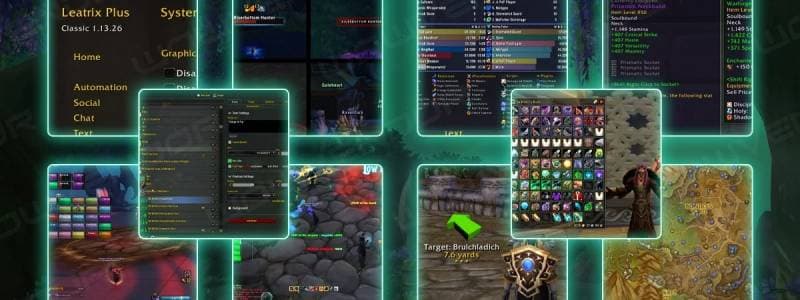
If you install only one addon in Midnight, make it this one.
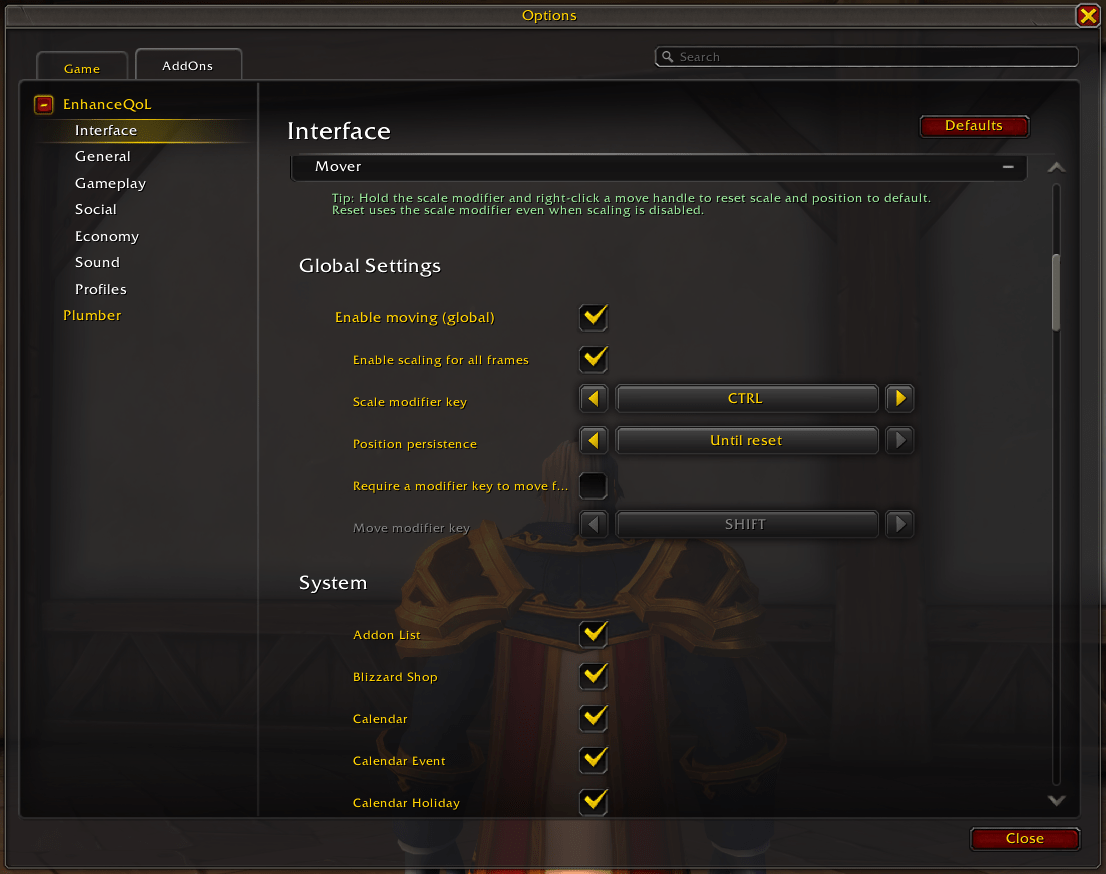
Enhance QoL replaces the need for multiple small addons by handling:
- Window moving & scaling
- Conditional action bar visibility
- Frame fading
- Micro menu cleanup
- Custom cooldown panels
- Teleport compendium shortcuts
- Built-in automation tools
Why It Matters
Midnight still locks many windows in fixed positions. With this addon you can:
- Drag any frame
- Resize UI windows independently
- Save layout permanently
- Hide bars when not in combat
- Create minimalist layouts
Key Features Worth Enabling
| Feature | Why It's Useful |
|---|---|
| Global window mover | Finally control your layout |
| Frame scaling | Fix UI for large monitors |
| Action bar fading | Clean combat vs non-combat UI |
| Teleport panel | Faster travel access |
| Cooldown tracker | Track trinkets & potions easily |
It replaces 3–6 smaller addons easily.
2️⃣ Plumber – Blizzard-Style UI Improvements
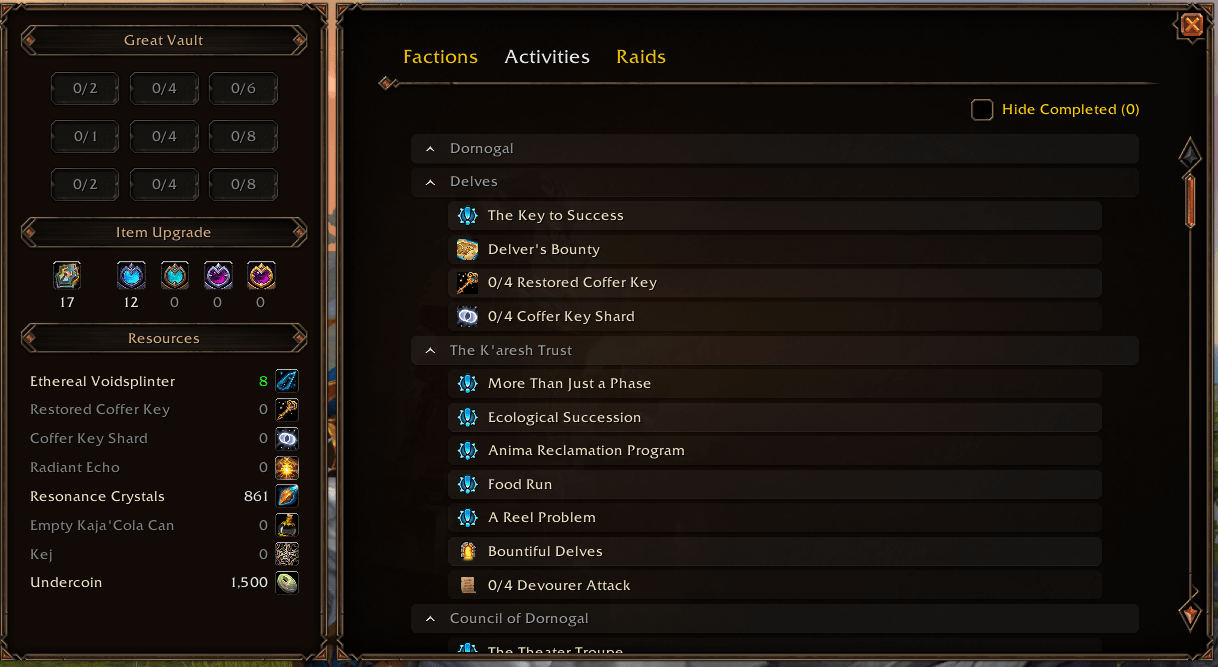
Plumber feels like Blizzard forgot to ship these features.
It improves small but annoying UI gaps:
- Transmog quick access button
- Improved loot window (Take All keybind)
- Currency tracking directly in bags
- Expansion overview panel
- Reputation and raid tracking hub
Standout Feature: Expansion Summary
This panel gives:
- Raid overview
- Boss loot tracking
- Reputation status
- Expansion currencies
- Campaign progress
For returning players in Midnight, this is incredibly useful.
3️⃣ Better Bags – Unified Inventory (Finally)
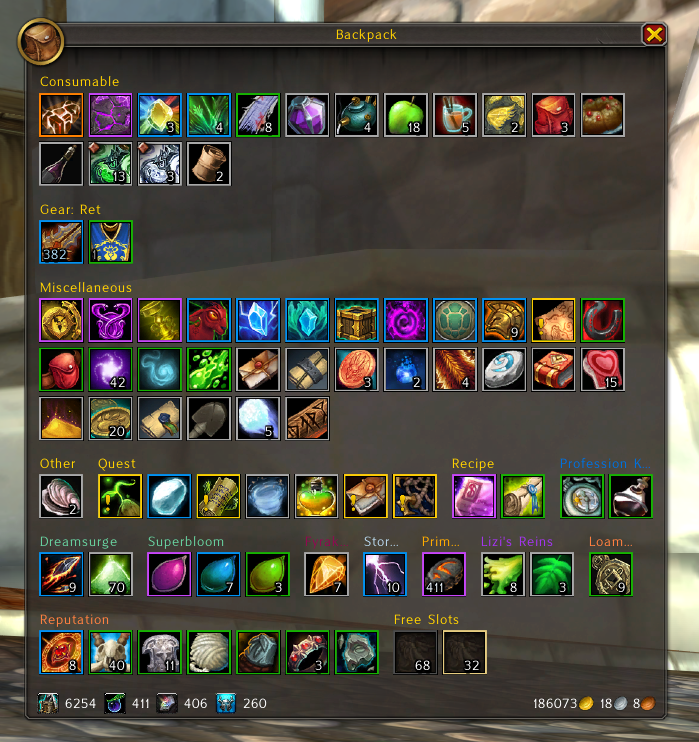
WoW still uses a segmented bag system.
Better Bags turns it into:
- One unified inventory window
- Automatic item categorization
- Clean filters
- Smart search
- Easy sorting
Why It's Essential
- Faster item lookup
- Cleaner layout
- Reduced visual clutter
- Works smoothly with Midnight UI
If you craft, farm, or manage alts — this addon saves real time.
4️⃣ Auctionator – Mandatory for Gold Management
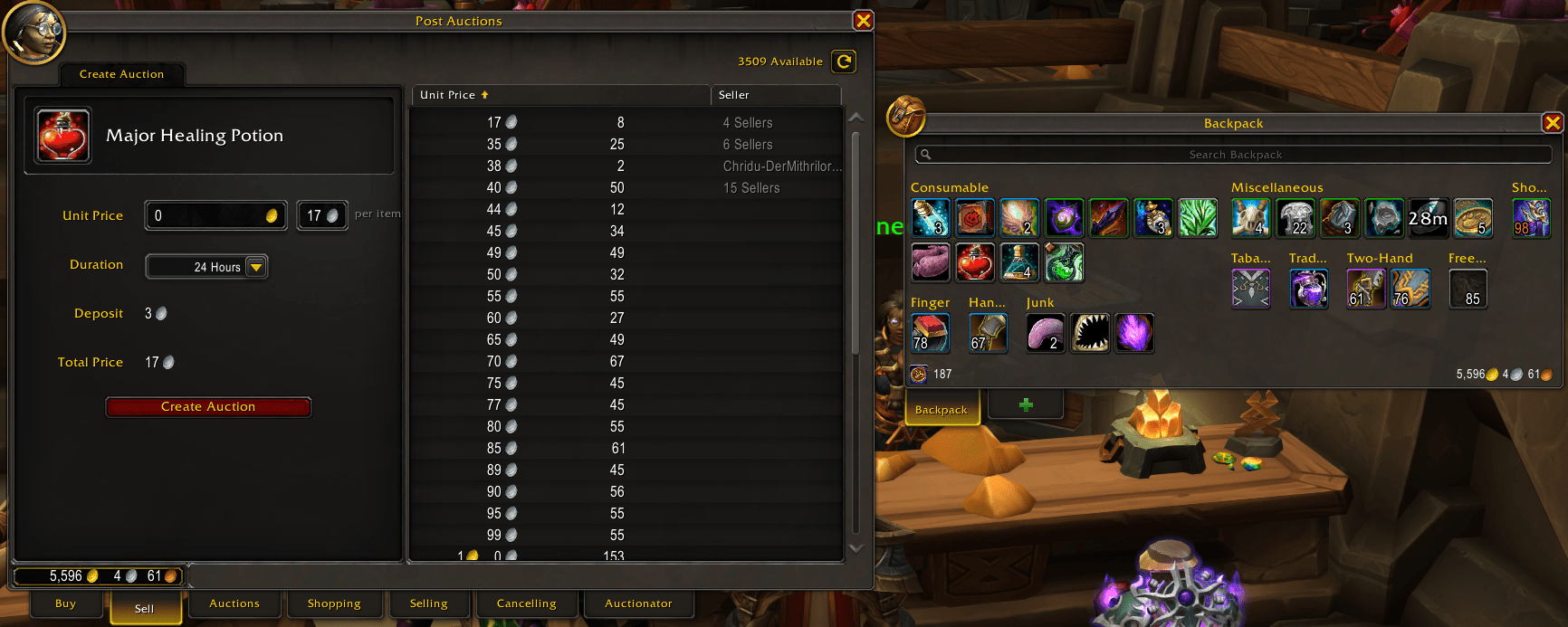
If you use the Auction House even casually — install this.
Auctionator provides:
- Clean buying & selling interface
- Undercut scanning
- Tooltip market prices
- Full price history
- Crafting cost calculation
- Quick cancel & repost tools
Why It's Better Than Default AH
| Default AH | Auctionator |
|---|---|
| Clunky posting | One-click posting |
| No price context | Tooltip pricing |
| Manual undercutting | Automatic detection |
| Weak filtering | Shopping lists |
It feels native — not bloated.
5️⃣ Cooldown Manager Centered – Small Fix, Big Impact
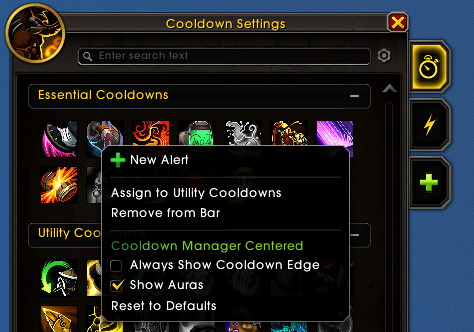 Midnight's built-in Cooldown Manager is good — but poorly aligned.
This addon:
- Centers cooldown rows
- Fixes horizontal alignment
- Keeps Blizzard's default style
- Makes the layout look intentional
It doesn't reinvent the system — just fixes presentation.
Sometimes that's all you need.
Addon Philosophy for Midnight (2026)
You don't need 30 addons anymore.
The modern approach:
- 1 major QoL framework
- 1 UI polish addon
- 1 inventory addon
- 1 economy addon
- Optional micro-fixes
That's it.
Too many addons:
- Increase load time
- Cause conflicts
- Break after patches
Who Should Use These?
- Returning players
- UI minimalists
- Gold-focused players
- Mythic+ grinders
- Housing decorators
- PvP players
These addons improve comfort without changing gameplay fundamentals.
Final Thoughts
Midnight's UI is better than previous expansions — but still incomplete.
These 5 addons:
- Clean your interface
- Improve efficiency
- Save time
- Reduce frustration
- Keep your setup lightweight